AI Product Photography Free Trial for Ecommerce Sellers
Try product image generation before you commit to a paid workflow.
Start with a product image, test prompt directions, and move into the workspace when you are ready to generate polished ecommerce visuals.
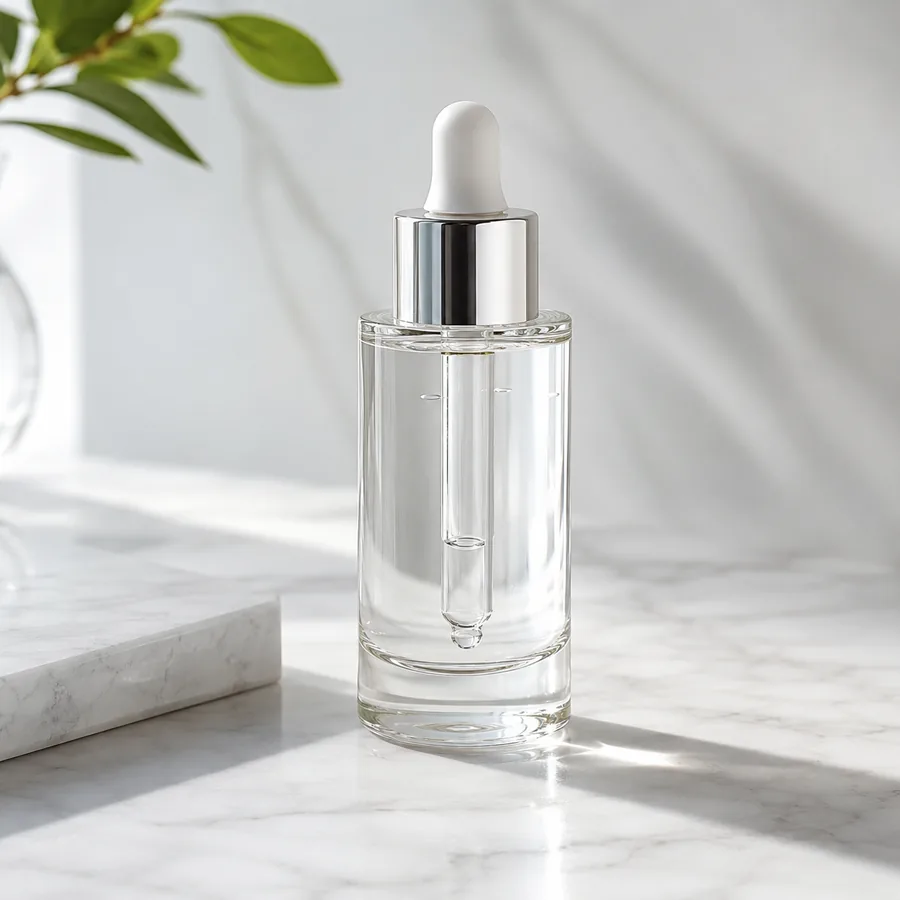
Marketing-ready product image
Start with your product image
Continue in the workspace to upload, generate, save, and reuse assets.
Upload a product photo or reference
JPG, PNG, WebP
Prompt direction
Create a premium Amazon hero image for this supplement bottle with a clean bright background, natural shadows, and room for offer text.
Output
Direct answer
Free AI product photography is a low-friction way to test whether one product reference can become a better ecommerce visual. Use it to validate a listing image, storefront hero, ad concept, or social post direction before scaling into regular credit-based generation.
Use the free path to validate product image ideas first
Test a product concept
Preview the workflow and prepare prompts before spending time on a larger product photography batch.
Create first campaign visuals
Move from one product photo to listing, ad, and social directions that can be tested with buyers.
Upgrade only when useful
The page connects free exploration to the workspace, pricing, and credit-based generation when the need is clear.
Pick one small product image task to validate
The free path works best when you test one concrete output instead of a full catalog at once.
Amazon or marketplace hero
Start with one product and test whether AI can create a cleaner listing direction with bright light, simple composition, and natural shadows.
Shopify product hero
Try a storefront image for a product detail page, collection banner, or homepage section before planning a larger visual set.
First ad creative direction
Generate a small number of campaign-style prompts to decide which visual direction is worth producing at higher volume.
Free AI product photography starting points
The best free trial page helps sellers complete one concrete product image job.
Amazon listing preview
Create a clean hero image direction for a marketplace listing before preparing a full asset set.
Shopify product hero
Turn a plain product image into a polished storefront visual for a collection or product detail page.
Ad creative test
Try a few visual styles before committing credits to a larger paid social creative batch.
Free trial prompt examples
Use the first run to test one product, one channel, and one visual direction.
Amazon hero validation
Create a clean Amazon-style product hero image with the product centered, bright white background, natural soft shadow, and no extra text.
Shopify storefront test
Create a premium product hero for a Shopify product page with warm studio lighting, simple props, and space for a headline on the right.
Etsy lifestyle preview
Place this handmade product in a cozy lifestyle scene with natural textures, realistic scale, soft window light, and a handcrafted brand mood.
Meta ad concept
Create a portrait ad concept with the product clearly visible, a bold color background, clean space for offer text, and strong mobile-feed contrast.
Start free, then generate in the workspace
Keep the first step simple and route serious work into the account flow.
Choose a product task
Pick a listing image, product hero, ad creative, or social post that needs a better visual.
Draft a prompt direction
Use the page to frame the scene, lighting, and output ratio before generation.
Continue to generation
Sign in to upload references, generate final images, and manage credits in the workspace.
Best fit and limits
Best for
- Testing whether one product reference can produce a useful ecommerce visual direction.
- Validating a listing, storefront, ad, or social concept before building a full asset set.
- New sellers who want to understand the workflow before choosing a regular credit plan.
- Small campaigns where prompt quality and product reference quality matter more than volume.
Not best for
- Unlimited free product image generation or full-catalog production without a paid workflow.
- Skipping account, credit, or provider-generation steps when final images are created.
- Publishing AI outputs without checking product details, marketplace rules, or ad-platform policies.
- Replacing a professional shoot when exact physical accuracy is legally or commercially required.
Review your first trial result
Use the free path to learn what works before you scale the workflow.
Reference clarity
Start with a product image where the subject, label, and packaging are easy to see.
One goal
Test one output type first, such as a listing hero, Shopify banner, ad creative, or social post.
Upgrade signal
Consider a paid plan when you know the visual direction and need repeatable variants across SKUs or campaigns.
Final review
Check product details, platform requirements, and brand consistency before publishing any generated image.
AI product photography free FAQ
Is this page for free AI product photography?
Yes. It is built for users who want to try the product image workflow and then continue into authenticated generation.
What should I test first?
Start with one specific product image task such as an Amazon hero, Shopify product hero, Etsy lifestyle shot, or paid social concept.
What product images work best?
Clear product photos, packaging shots, and brand references work best because the generator has a stronger subject to preserve.
Can I use generated images for ecommerce ads?
The workflow is designed for ecommerce and marketing visuals. Review each final output for brand, marketplace, and ad-platform requirements before publishing.
When should I view pricing?
View pricing when you want to generate product visuals regularly, test multiple SKUs, or create campaign batches instead of a single trial direction.
Continue product image work
Edit and improve existing product images for listings and ads.
AI product photographyExplore the full product photography workflow and examples.
PricingCompare credit plans when you are ready to generate regularly.
AI ghost mannequin photographyTurn flat garment photos into invisible-mannequin front and back views.