Image to Image AI Generator (Img2Img)
Use a reference image and a prompt to explore a new visual direction.
Use image2img to guide a new result with an existing image. Describe what should change or stay recognizable, then continue in the workspace to generate and compare variations.
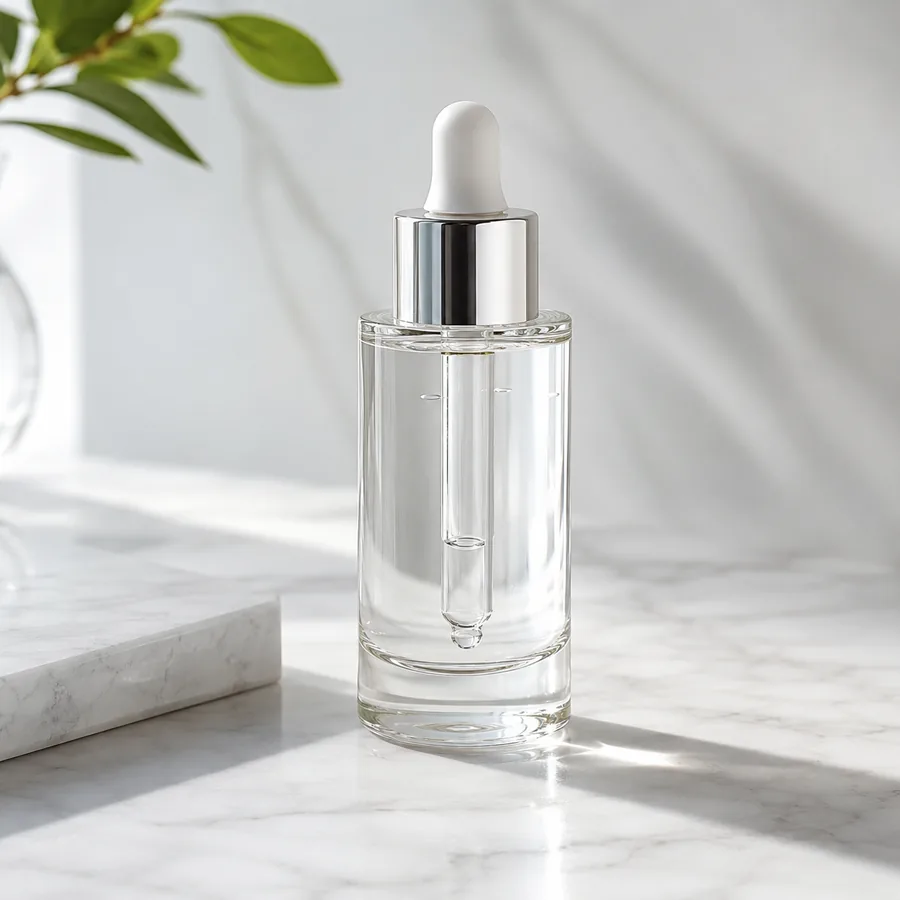
Image variation
Start with a reference image
Sign in to upload, generate, save, and reuse results in the workspace.
Upload a source image
JPG, PNG, WebP
Describe the transformation
Keep the subject and framing recognizable, replace the background with a quiet editorial studio, add soft side light, and use a muted blue palette.
Output ratio
What is image-to-image AI?
An image-to-image AI generator uses an existing image as visual context for a new result. You upload a reference, write a prompt describing what should change or stay recognizable, and generate a variation. This workflow is useful for restyling, scene changes, composition experiments, and visual directions that benefit from a source image.
Use the source image to guide what comes next
Keep useful visual context
Give the model a subject, layout, pose, palette, or composition to interpret instead of starting from text alone.
Explore focused changes
Describe a new scene, lighting direction, material treatment, mood, or format while using the reference as context.
Compare generated variations
Save promising results, inspect what changed, and refine the reference or prompt for the next generation.
Choose the image-to-image task before writing the prompt
A focused task makes the reference and prompt easier to evaluate together.
Restyle while keeping the composition
Name the new visual treatment and identify the layout, pose, or subject relationships that should still guide the result.
Replace the environment
Describe the new background, time of day, lighting, surfaces, and atmosphere while calling out the subject to preserve.
Explore controlled variations
Change one or two variables at a time, such as palette and lighting, so you can see which instruction affected the output.
Common image-to-image AI use cases
Start with a clear source and one specific transformation goal.
Restyle an existing visual
Use the source composition as context while testing a different medium, color system, lighting style, or creative direction.
Change a scene or background
Place a recognizable subject into a studio, room, landscape, seasonal setting, or campaign environment described in the prompt.
Develop visual variations
Explore alternate crops, moods, layouts, and aspect ratios before choosing a direction for further editing or publishing.
Image-to-image prompt examples
Tell the model what the reference contributes, what should change, and how the result will be used.
Editorial portrait variation
Keep the person's pose, framing, and general facial features recognizable. Change the setting to a minimal editorial studio with soft side light, a charcoal backdrop, and restrained film grain.
Product scene change
Keep the bottle shape, cap, label placement, and color recognizable. Place it on pale stone beside soft window shadows with a clean premium skincare mood and no added text.
Interior concept
Use the room layout and camera angle from the reference. Reimagine the space as a warm modern reading room with oak, linen, indirect evening light, and uncluttered surfaces.
Illustration treatment
Keep the main silhouette and composition from the reference, but render the scene as layered paper-cut illustration with limited colors, subtle shadows, and a handmade texture.
How the img2img workflow works
A source-aware path from reference to reviewed result.
Choose a clear reference
Upload an image that clearly shows the subject, composition, or visual cues you want the generation to use.
Describe change and continuity
State what should change and which subject, pose, layout, colors, or details should remain recognizable.
Generate, inspect, and refine
Continue in the workspace, compare the output with the source, and adjust the prompt or reference before another run.
Best fit and limits
Best for
- Using a clear source image as visual context for a new generated variation.
- Testing scene, lighting, palette, material, mood, or composition directions.
- Creating several options that a person will compare, select, and refine.
- Iterative creative work where the prompt can state both changes and constraints.
Not best for
- Pixel-perfect retouching, exact masking, or deterministic layer-by-layer edits.
- Guaranteeing unchanged faces, hands, logos, labels, text, or small source details.
- Treating generated output as final legal, factual, brand, or marketplace review.
- Using a blurry, heavily cropped, or obstructed source as the only reference.
Check every generated result
The reference guides the output, but it does not guarantee exact preservation.
Subject fidelity
Compare faces, shapes, proportions, colors, logos, labels, and other identity cues with the source.
Prompt intent
Confirm that the requested scene, style, light, mood, and composition changes are actually visible.
Artifacts and text
Inspect hands, edges, reflections, repeated objects, small typography, and background geometry for errors.
Output fit
Check the crop, aspect ratio, resolution choice, and negative space against the channel where the image will be used.
Image to image AI FAQ
What does img2img mean?
Img2img is short for image-to-image generation. It uses an existing image as visual input and a prompt to guide a newly generated result.
Does image-to-image AI edit my original file?
The workflow generates a new result from the reference and prompt. Your source remains the reference; review and save the generated output separately.
What reference image works best?
Use a clear image where the important subject, silhouette, pose, layout, or color relationships are easy to see. Avoid sources that are blurry, obstructed, or too small.
Will the result preserve a face, product, or text exactly?
No exact preservation is guaranteed. Generated images can change identity cues, labels, text, edges, and fine details, so compare each result with the source before use.
Is the image-to-image generator free?
The pricing page shows the current credit plans. Generation happens after sign-in in the workspace, where you can review the available workflow before running a job.
Can I use image-to-image AI for product photos?
Yes. A product reference can guide scene, lighting, background, and campaign variations, but labels, packaging, colors, and physical details still need human review.
Continue with image2img
Use the reference-guided workflow for ecommerce product scenes, listings, and ad visuals.
AI product photographyTurn product references into listing images, lifestyle scenes, ads, and social visuals.
PricingCheck current credit plans before you generate image-to-image variations.