AI Amazon Product Photography for Marketplace Sellers
Turn one product photo into white-background heroes and lifestyle support images for your listing.
Use image2img for AI Amazon product photography: upload a product photo, generate a clean white-background hero and lifestyle support images, and review everything against marketplace rules before publishing.
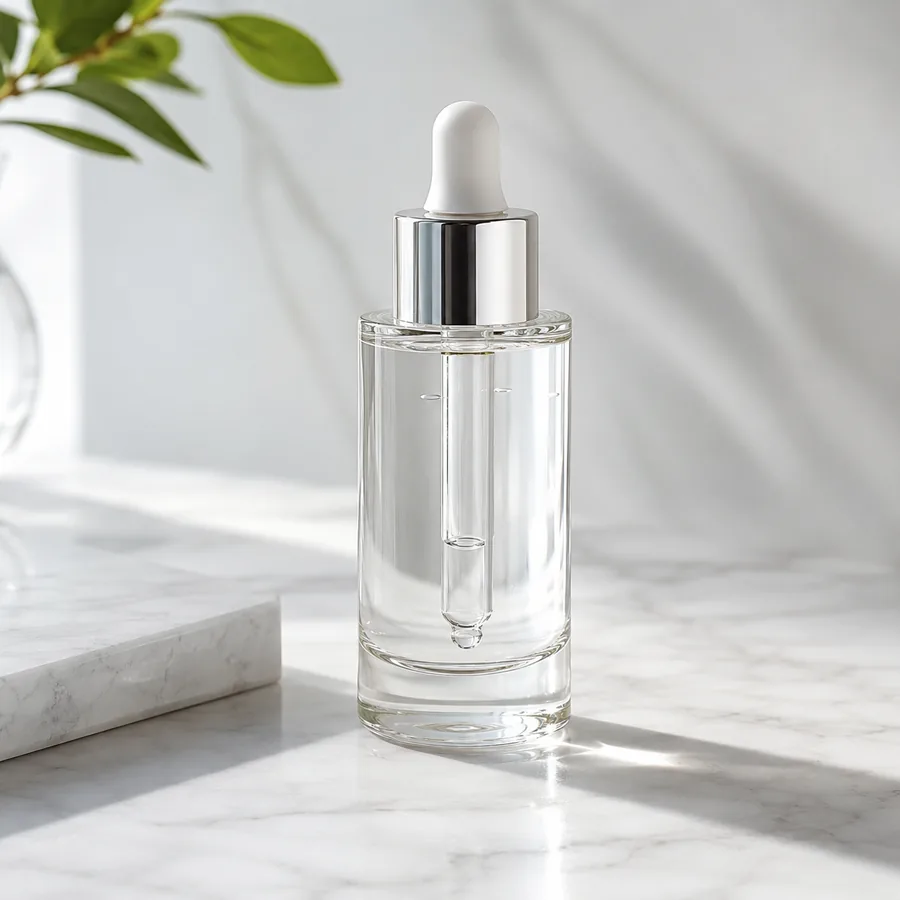
Marketing-ready product image
Start with your product image
Continue in the workspace to upload, generate, save, and reuse assets.
Upload a product photo or reference
JPG, PNG, WebP
Prompt direction
Use the uploaded bottle photo as the exact product reference. Create a clean marketplace listing hero image: the same matte stainless steel water bottle centered on a bright white background with a soft natural shadow and generous negative space above. Preserve the exact bottle shape, cap and finish, and keep the surface completely blank. No text, no logos, no people.
Output
Direct answer
Amazon product photography follows marketplace grammar: a white-background main image, supporting angles, and lifestyle shots that answer buyer questions in one glance. An AI marketplace workflow turns one product photo into a clean listing hero with negative space and lifestyle support views, while you stay responsible for meeting Amazon's image requirements: review every output against the current rules before it goes live.
Marketplace photography outputs sellers reuse per listing
Clean listing heroes
Generate white-background main images with the negative space listings need.
Supporting angle sets
Add detail and in-use views that answer buyer questions without a reshoot.
Faster listing launches
Turn supplier photos into full image sets the week a product arrives.
Map each product to the images your listing needs
Start from one product photo and generate the marketplace image set your listing is missing.
White-background hero
Generate a centered main image with clean background and generous margin.
Detail and scale views
Create close-ups and context shots that show size, material, and features.
Lifestyle support images
Place the product in real-use contexts for the middle of your gallery.
AI Amazon product photography examples
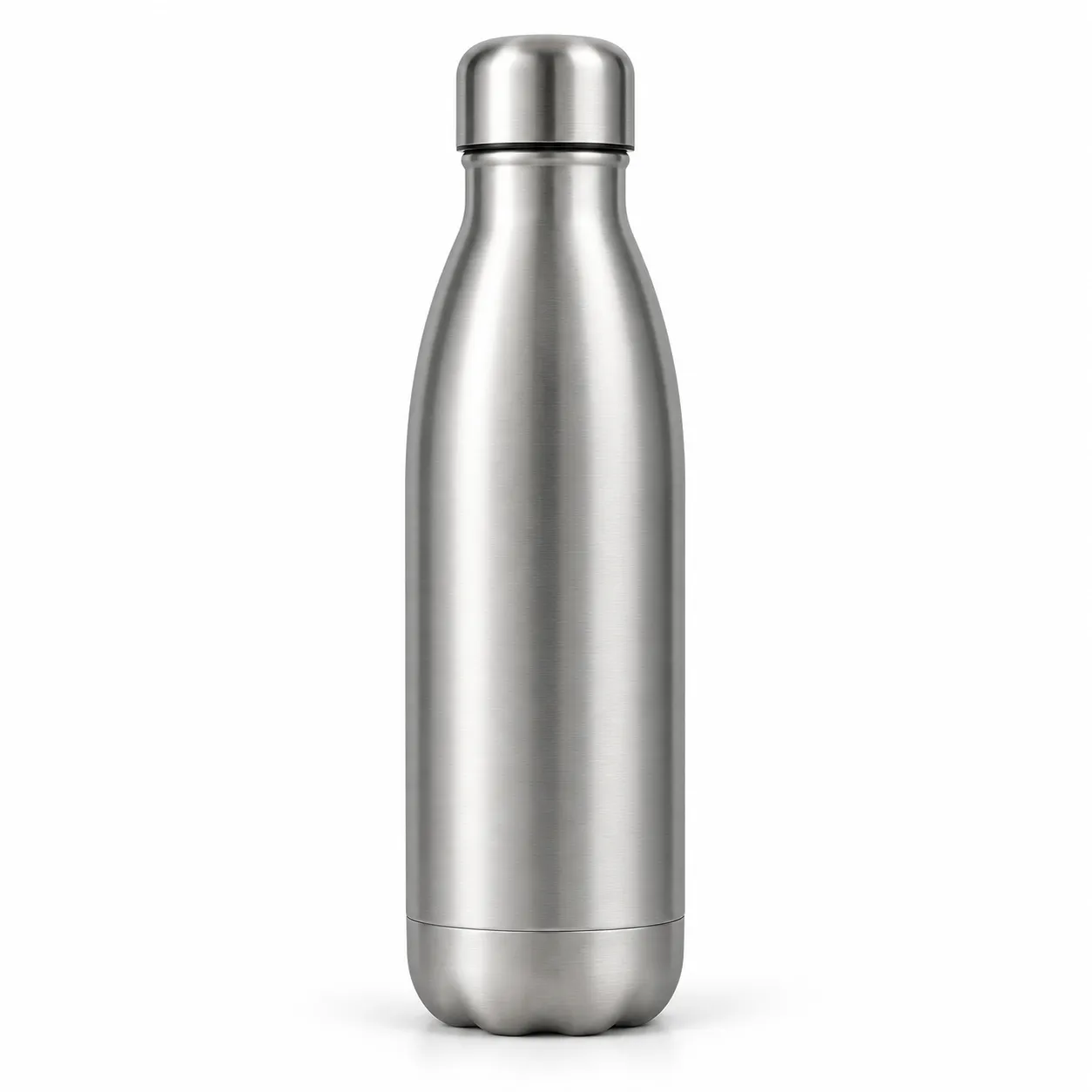
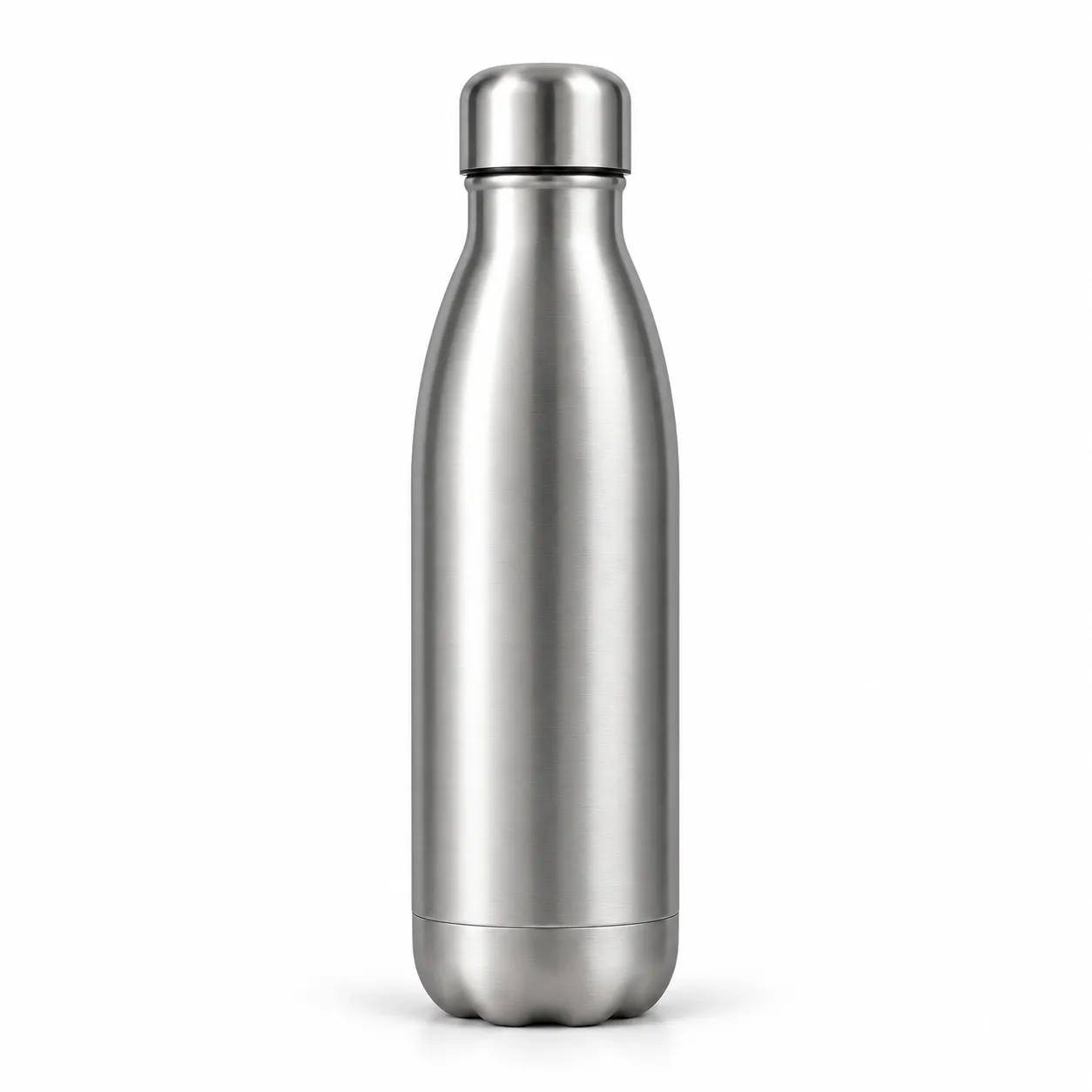
Compare one fictional source product photo with listing-hero and lifestyle directions generated from it.
Listing hero image
The bottle becomes a clean white-background hero with negative space.
Prompt used
Use the uploaded bottle photo as the exact product reference. Create a clean marketplace listing hero: the same matte stainless steel water bottle centered on a bright white background with a soft natural shadow and generous negative space above. Preserve the exact shape, cap, and finish, and keep the surface completely blank. Do not add text, logos, or people.
Clothing photography prompt examples
Use prompts that pin the wash, stitching, and proportions before the view and scene.
Listing hero image
Use the uploaded bottle photo as the exact product reference. Create a clean marketplace listing hero: the same matte stainless steel water bottle centered on a bright white background with a soft natural shadow and generous negative space above. Preserve the exact shape, cap, and finish, and keep the surface completely blank. Do not add text, logos, or people.
Kitchen lifestyle scene
Use the uploaded bottle photo as the exact product reference. Place the same bottle on a kitchen counter beside a blurred bright window with morning light. Preserve the exact shape, cap, finish, and blank surface. Do not add text, logos, or people.
Scale context shot
Use the uploaded bottle photo as the exact product reference. Show the same bottle next to a common neutral object for scale, keeping the product identical. Do not add text, logos, or people.
Detail close-up
Use the uploaded bottle photo as the exact product reference. Create a close-up of the cap and finish keeping the design identical. Do not add text, logos, or people.
How the AI marketplace photography workflow works
A focused path from one product photo to a full listing image set.
Upload the garment photo
Start from a flat-lay, hanger, or supplier photo where shape, collar, and fabric are clearly visible.
Describe the views you need
Ask for shaped, detailed, or styled treatments while pinning color, wash, and proportions.
Generate and build the gallery
Continue in the workspace to generate the set, review results, and save consistent apparel assets.
Best fit and limits
Best for
- Marketplace sellers who need complete listing galleries without studio bookings.
- Turning supplier photos into white-background heroes and lifestyle support views.
- New product launches that need image sets the week inventory arrives.
- Sellers testing multiple lifestyle angles before committing to a photoshoot.
Not best for
- Final compliance decisions; always review outputs against the marketplace's current image requirements yourself.
- Infographic image slots with text and callouts; generate imagery, then add text in your design tools.
- Guarantee that every label, seam, or finish detail survives generation without inspection.
- Categories with strict imagery rules that prohibit AI-assisted imagery; check the category rules first.
Check the cosmetic photo before you publish
AI beauty images still need human review like any campaign asset.
Product identity
Confirm shape, material, cap, and finish still match the real product.
Rule check
Review the output against the marketplace's current main-image and gallery requirements.
Set consistency
Compare hero, detail, and lifestyle views so the product does not change between shots.
Zoom review
Inspect details at full zoom; small flaws cost reviews on marketplaces.
AI clothing product photography FAQ
Can AI create the white-background main image?
Yes. Upload a product photo and the workflow generates a clean centered hero with a bright background and negative space. Always review it against the marketplace's current main-image rules before upload.
How many images should a listing have?
Most strong listings combine a white-background hero, several supporting angles or details, and one or two lifestyle contexts. Generate the set from one reference for consistency.
Can I add text and callouts for infographic slots?
Generate clean imagery first, then add text and callouts in your design tools. Keeping text out of generation avoids garbled lettering and keeps the product accurate.
Do I still need to check marketplace rules?
Yes. Image requirements change, and some categories restrict AI-assisted imagery. You stay responsible for reviewing every image against the current rules.
Does generation spend credits before I sign in?
No. Public pages route you to the authenticated workspace before paid provider generation runs.