AI Cosmetic Product Photography for Beauty Brands
Turn a single product bottle photo into premium beauty visuals without a studio day.
Use image2img for AI cosmetic product photography: upload a bottle or jar photo, generate premium studio and bathroom-lifestyle beauty shots, and continue in the workspace.
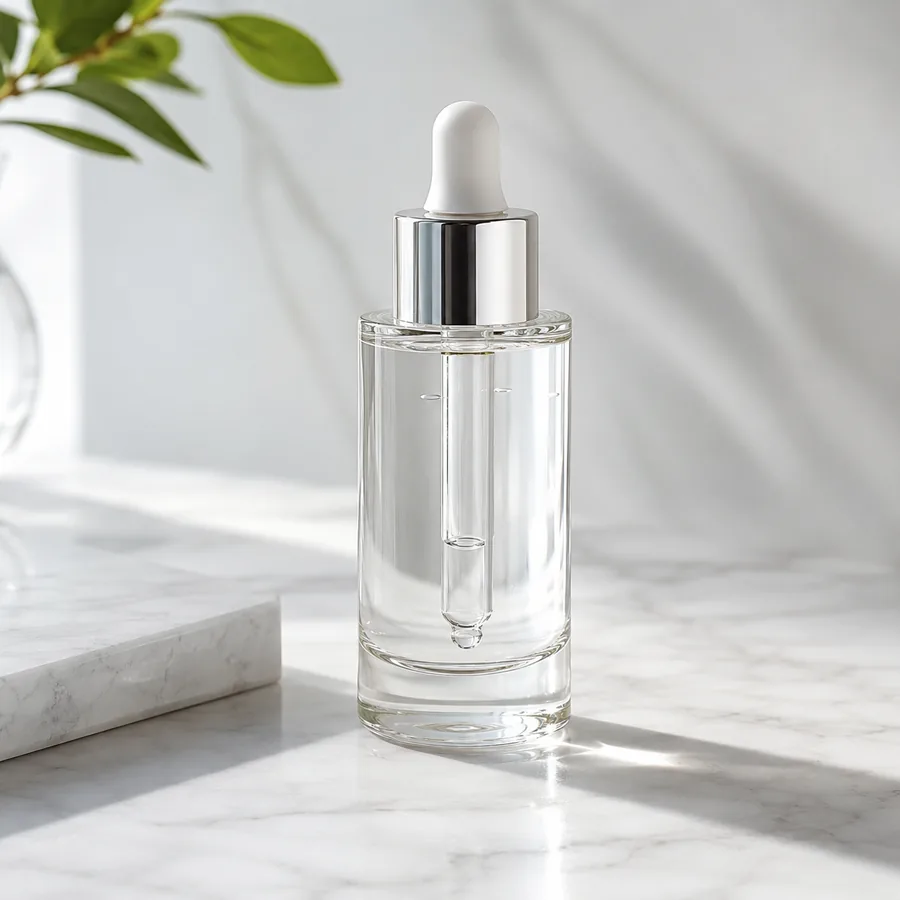
Marketing-ready product image
Start with your product image
Continue in the workspace to upload, generate, save, and reuse assets.
Upload a product photo or reference
JPG, PNG, WebP
Prompt direction
Use the uploaded bottle photo as the exact product reference. Create a premium cosmetic studio shot: the same amber glass dropper bottle on a warm stone pedestal with soft directional light, elegant shadows and subtle reflections. Preserve the exact bottle shape, glass color, cap design and proportions, and keep the surface completely blank. No text, no logos, no people.
Output
Direct answer
Cosmetic product photography sells texture, light, and trust: the bottle shape, the material, and the brand mood all have to read instantly. An AI cosmetic workflow turns one product photo into premium studio shots and lifestyle beauty scenes while preserving the exact bottle shape, cap, and proportions, so beauty brands can build campaign-ready visual sets without booking a studio.
Cosmetic photography outputs beauty teams reuse every campaign
Premium studio heroes
Turn one product photo into elegant pedestal and light-box shots for product pages.
Lifestyle beauty scenes
Place the same product in bathroom and vanity contexts for ads and social.
Shape-safe workflow
Pin bottle geometry, cap design, and proportions so every scene shows the same product.
Map each product to the beauty views your campaign needs
Start from one product photo and generate the studio and lifestyle views your brand is missing.
Premium studio hero
Generate pedestal, podium, and light-box shots with controlled shadows and reflections.
Texture and ingredient scenes
Create context scenes that suggest texture and mood without changing the product.
Bathroom and vanity lifestyle
Place the product in bright morning-light beauty contexts for ads and social.
AI cosmetic product photography examples
Compare one fictional source bottle photo with studio and lifestyle directions generated from it.
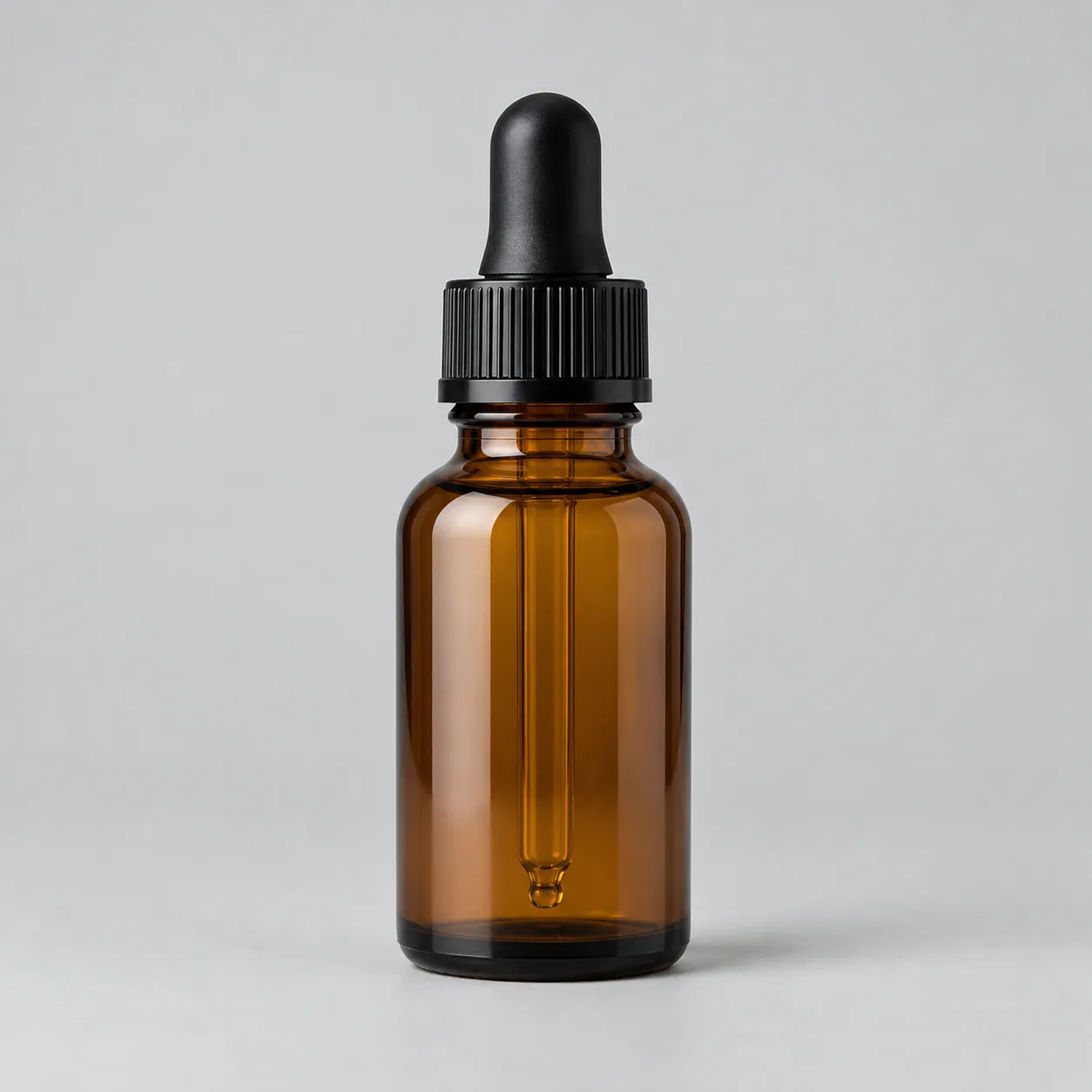
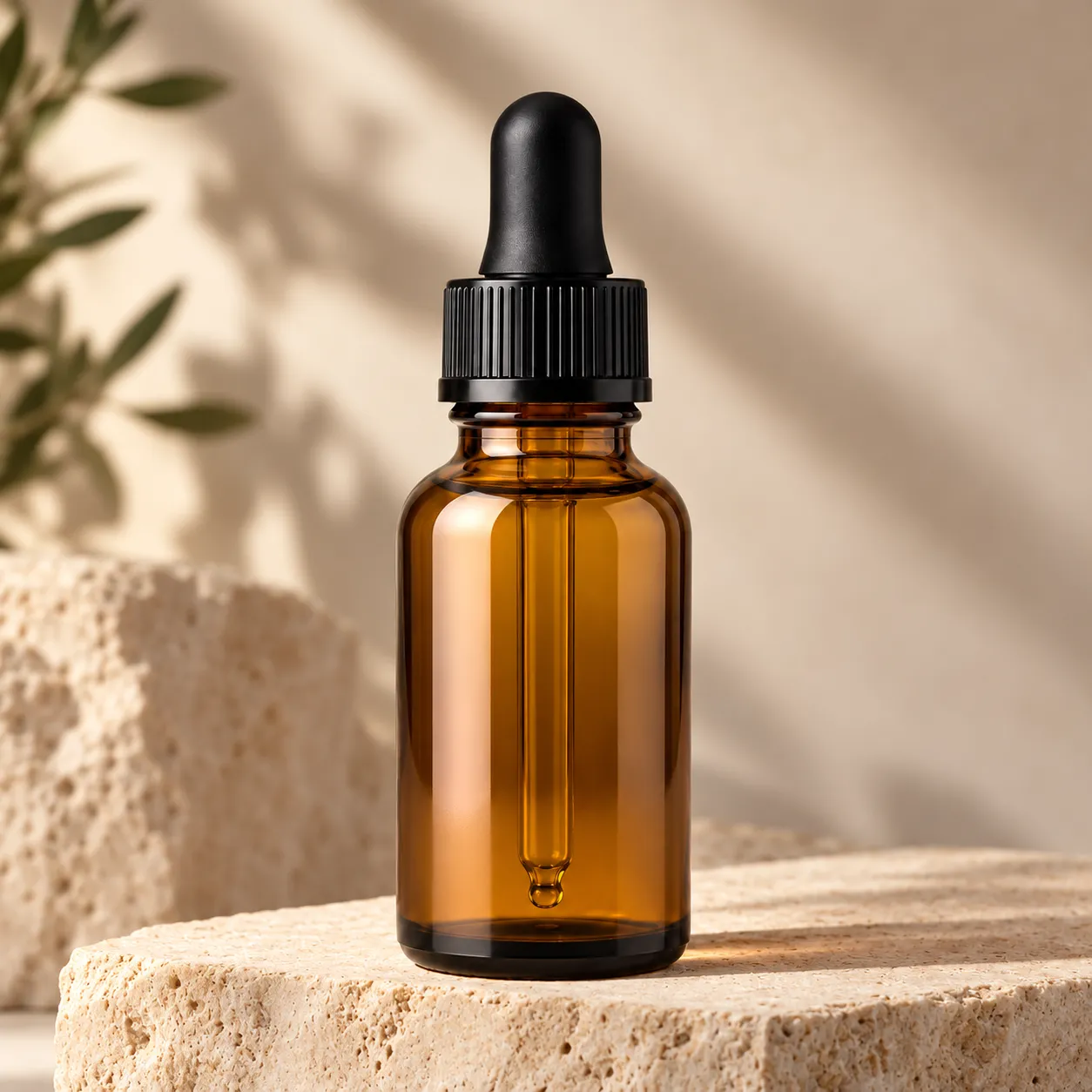
Premium studio shot
The dropper bottle becomes a pedestal studio shot with controlled warm light.
Prompt used
Use the uploaded bottle photo as the exact product reference. Create a premium cosmetic studio shot on a warm stone pedestal with soft directional light, elegant shadows, and subtle reflections. Preserve the exact bottle shape, glass color, cap design, and proportions, and keep the surface completely blank. Do not add text, logos, or people.
Clothing photography prompt examples
Use prompts that pin the wash, stitching, and proportions before the view and scene.
Pedestal studio shot
Use the uploaded bottle photo as the exact product reference. Create a premium cosmetic studio shot on a warm stone pedestal with soft directional light, elegant shadows, and subtle reflections. Preserve the exact bottle shape, glass color, cap design, and proportions, and keep the surface completely blank. Do not add text, logos, or people.
Bathroom morning scene
Use the uploaded bottle photo as the exact product reference. Place the same bottle on a bright bathroom counter with soft morning window light and gentle reflections. Preserve the exact bottle shape, cap, and blank surface. Do not add text, logos, or people.
Texture mood scene
Use the uploaded bottle photo as the exact product reference. Create a close-up scene with soft fabric or stone textures that keeps the bottle geometry identical. Do not add text, logos, or people.
Line-up shot
Use the uploaded bottle photo as the exact product reference. Create a clean line-up of the same bottle at different heights on a neutral background, preserving shape and blank surfaces. Do not add text, logos, or people.
How the AI cosmetic photography workflow works
A focused path from one product photo to a campaign-ready set.
Upload the garment photo
Start from a flat-lay, hanger, or supplier photo where shape, collar, and fabric are clearly visible.
Describe the views you need
Ask for shaped, detailed, or styled treatments while pinning color, wash, and proportions.
Generate and build the gallery
Continue in the workspace to generate the set, review results, and save consistent apparel assets.
Best fit and limits
Best for
- Beauty brands that need campaign visuals without booking a studio for every SKU.
- Turning one bottle or jar photo into premium studio and lifestyle scenes.
- Product pages, ads, and social posts that need consistent beauty imagery.
- Small brands testing visual directions before a full campaign shoot.
Not best for
- Products where the label artwork must be reproduced exactly; keep label surfaces blank and add design in your layout tools.
- Replacing regulated claims or ingredient imagery required by law.
- Guaranteeing glass reflections and cap details survive generation without inspection.
- Publishing outputs without checking advertising rules and brand consistency.
Check the cosmetic photo before you publish
AI beauty images still need human review like any campaign asset.
Product identity
Confirm bottle shape, glass color, cap, and proportions still match the real product.
Label discipline
Keep generated surfaces blank and add regulated label artwork in your design tools.
Lighting consistency
Compare studio and lifestyle views so shadows and reflections stay believable.
Channel readiness
Check crops and ratios against your product page, ad, and social formats.
AI clothing product photography FAQ
Can AI create cosmetic product photos from one bottle shot?
Yes. Upload a bottle or jar photo and describe the scene you need. The workflow generates premium studio and lifestyle beauty views while pinning the product shape and proportions.
What about my label artwork?
Keep generated label surfaces blank and add your regulated artwork in layout tools afterwards. This keeps the product accurate and compliant.
Will the glass color and cap stay accurate?
The workflow pins shape, color, and cap design from your reference, but always review results before publishing. AI can alter small details.
Which scenes work best for beauty products?
Pedestal studio shots for product pages, and bright bathroom or vanity scenes for ads and social. Generate both from the same reference for consistency.
Does generation spend credits before I sign in?
No. Public pages route you to the authenticated workspace before paid provider generation runs.