AI Jewelry Product Photography for Online Sellers
Turn one necklace or ring photo into polished luxury views with controlled reflections.
Use image2img for AI jewelry product photography: upload a piece on a plain background, generate display-stand and editorial luxury views, and review fine detail before publishing.
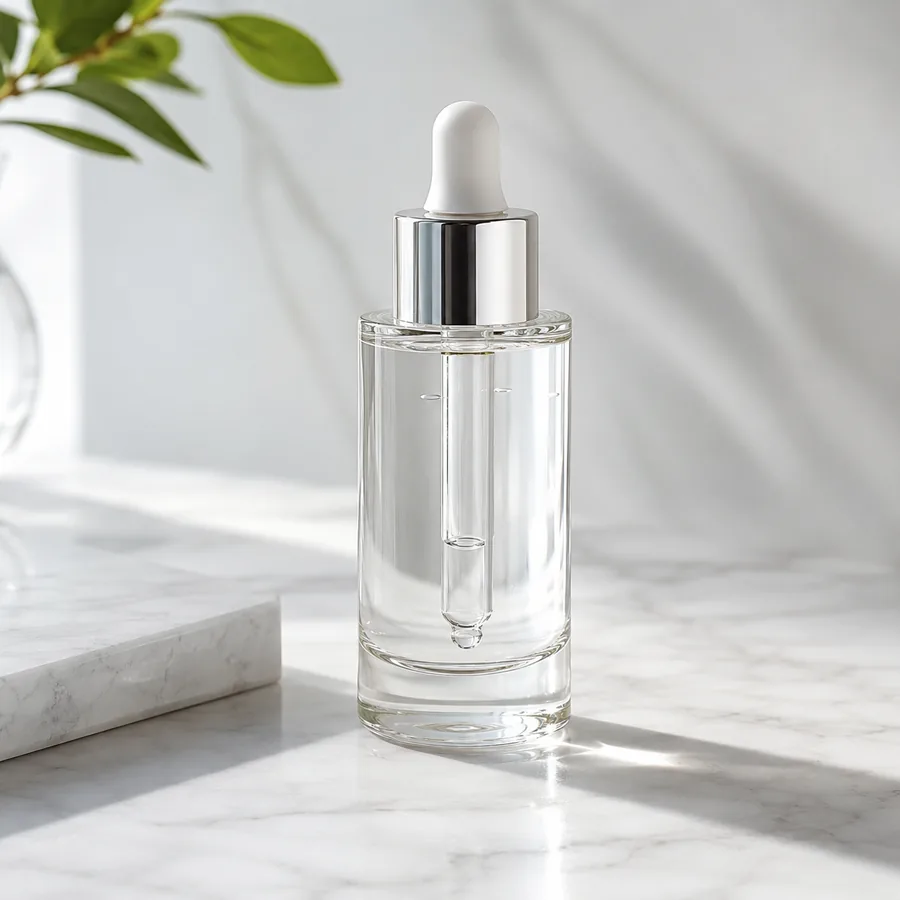
Marketing-ready product image
Start with your product image
Continue in the workspace to upload, generate, save, and reuse assets.
Upload a product photo or reference
JPG, PNG, WebP
Prompt direction
Use the uploaded necklace photo as the exact product reference. Create a premium jewelry studio shot: the same gold pendant necklace displayed in an elegant curve on a soft cream jewelry display stand with controlled soft lighting and gentle golden reflections. Preserve the exact chain thickness, link style, pendant shape and gold tone. No text, no logos, no people.
Output
Direct answer
Jewelry product photography lives on reflections: the metal tone, the sparkle, and the setting have to look expensive in a very small frame. An AI jewelry workflow turns one photo of the piece into display-stand, silk-editorial, and close-up views while pinning chain thickness, pendant shape, and gold tone, and it is honest about its limit: fine detail always needs human review before publishing.
Jewelry photography outputs sellers reuse across collections
Display-stand views
Turn a plain photo into elegant stand shots worthy of the product page hero slot.
Editorial luxury scenes
Place the same piece on silk and stone textures for campaigns and social.
Metal-tone consistency
Pin gold, silver, or rose tone so every view shows the same piece.
Map each piece to the views your store needs
Start from one plain-background photo and generate the luxury views your gallery is missing.
Display-stand hero
Generate elegant stand and bust shots with controlled highlights.
Macro detail close-ups
Create close-ups of settings and clasps for review and zoom galleries.
Editorial texture scenes
Place the piece on silk, velvet, or stone for campaign and social views.
AI jewelry product photography examples
Compare one fictional source necklace photo with display and editorial directions generated from it.
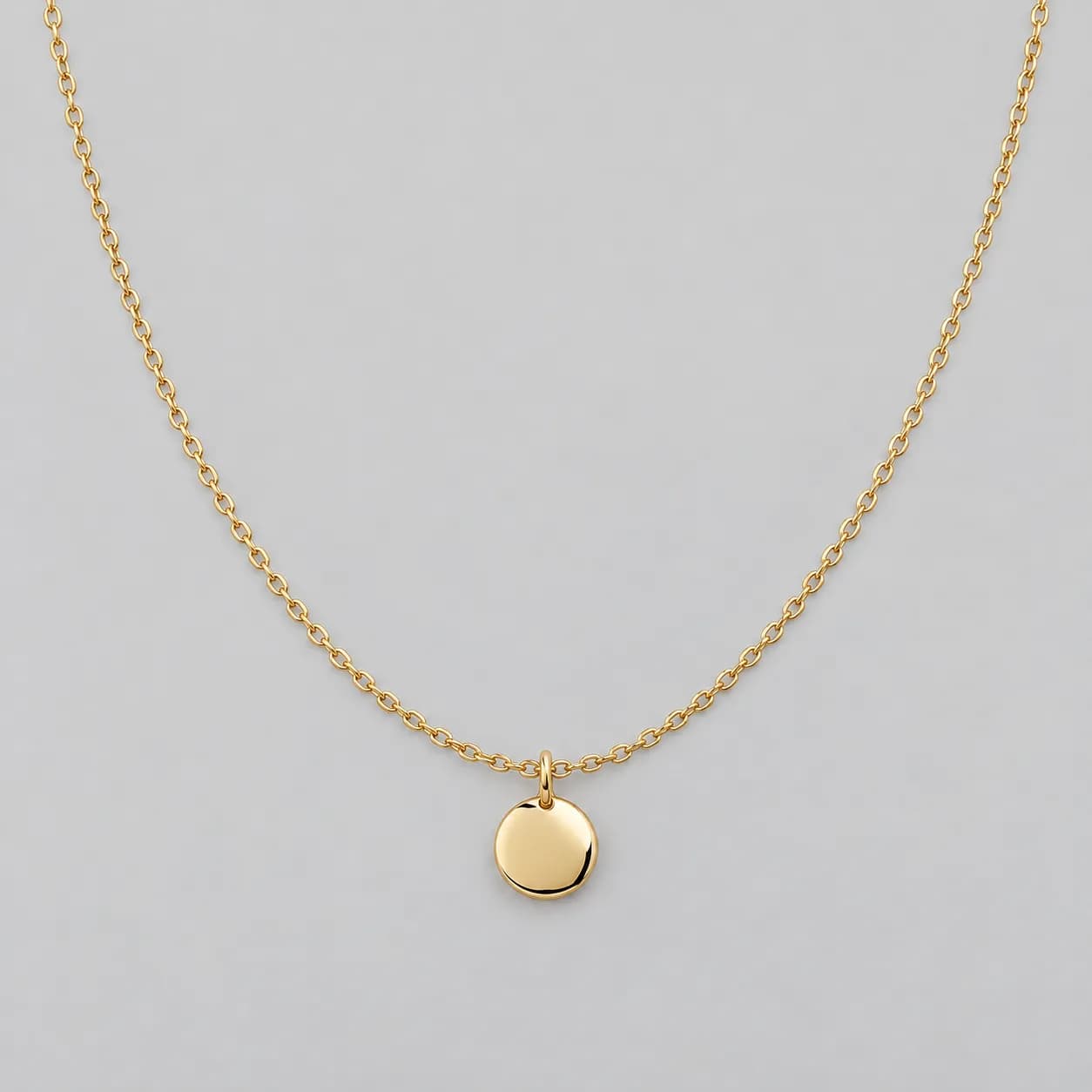
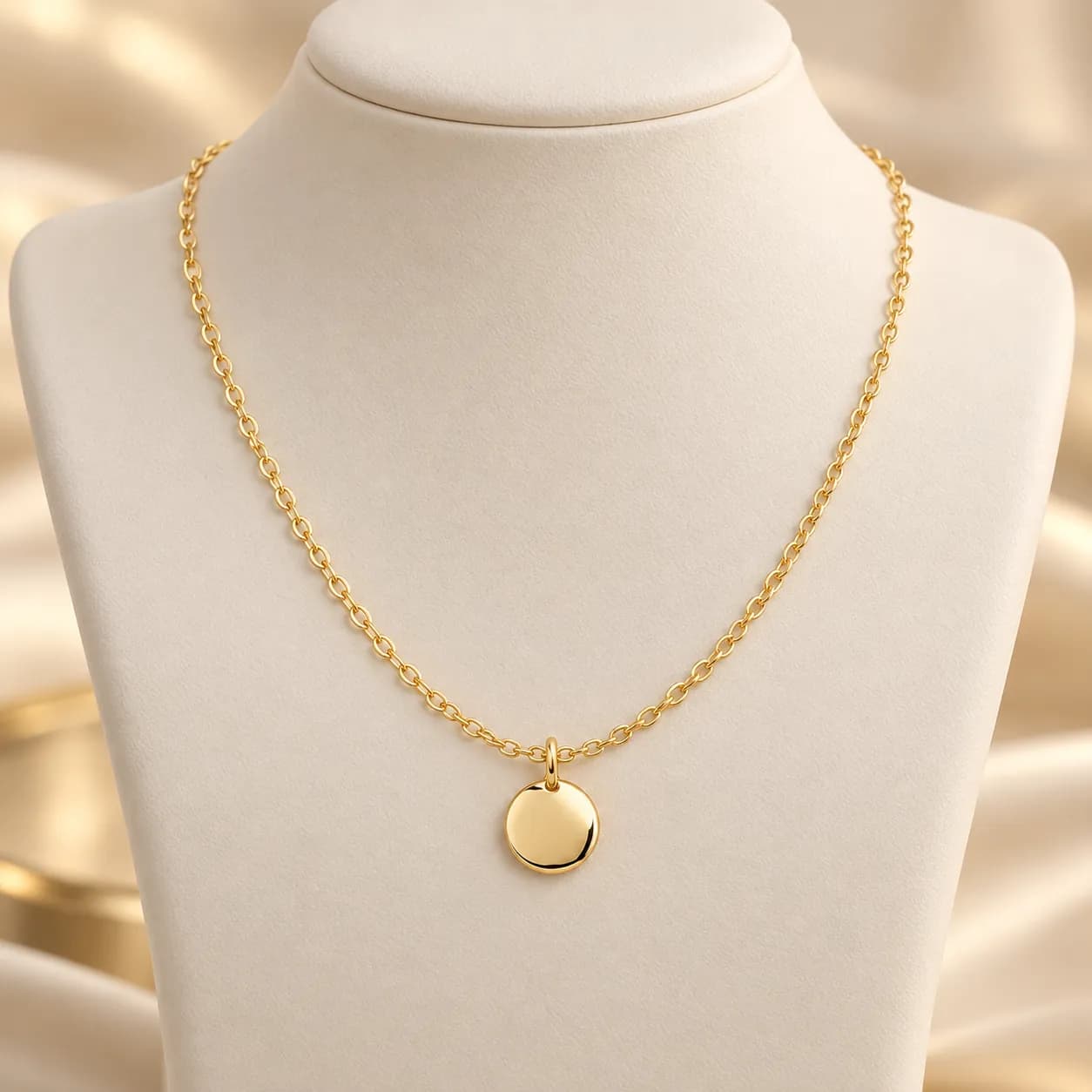
Display-stand view
The necklace becomes an elegant cream-stand shot with soft golden reflections.
Prompt used
Use the uploaded necklace photo as the exact product reference. Display the same gold pendant necklace in an elegant curve on a soft cream jewelry display stand with controlled soft lighting and gentle golden reflections. Preserve the exact chain thickness, link style, pendant shape, and gold tone. Do not add text, logos, or people.
Clothing photography prompt examples
Use prompts that pin the wash, stitching, and proportions before the view and scene.
Display-stand shot
Use the uploaded necklace photo as the exact product reference. Display the same gold pendant necklace in an elegant curve on a soft cream jewelry display stand with controlled soft lighting and gentle golden reflections. Preserve the exact chain thickness, link style, pendant shape, and gold tone. Do not add text, logos, or people.
Dark silk editorial scene
Use the uploaded necklace photo as the exact product reference. Place the same necklace on smooth dark charcoal silk with soft dramatic lighting and gentle highlights on the gold. Preserve the exact chain, pendant design, and gold tone. Do not add text, logos, or people.
Macro clasp close-up
Use the uploaded necklace photo as the exact product reference. Create a macro close-up of the clasp and chain links keeping the metal tone identical. Do not add text, logos, or people.
Stone texture flat view
Use the uploaded necklace photo as the exact product reference. Arrange the same necklace in an open curve on a warm stone surface with soft daylight. Preserve chain and pendant exactly. Do not add text, logos, or people.
How the AI jewelry photography workflow works
A focused path from one plain photo to a luxury view set with review.
Upload the garment photo
Start from a flat-lay, hanger, or supplier photo where shape, collar, and fabric are clearly visible.
Describe the views you need
Ask for shaped, detailed, or styled treatments while pinning color, wash, and proportions.
Generate and build the gallery
Continue in the workspace to generate the set, review results, and save consistent apparel assets.
Best fit and limits
Best for
- Online sellers who need luxury views without repeated studio bookings.
- Turning one plain-background photo into stand, editorial, and macro views.
- Product pages and social posts that need consistent metal tone across views.
- Small collections refreshing product galleries between seasons.
Not best for
- Certification or appraisal imagery where the exact piece must be documented under controlled standards.
- Promise that every micro-detail of setting and engraving survives generation; always review at full zoom.
- Publishing outputs without checking the piece against the real item.
- Replacement for a gemologist's photographs in high-value transactions.
Check the cosmetic photo before you publish
AI beauty images still need human review like any campaign asset.
Piece identity
Confirm chain, pendant, stones, and metal tone still match the real piece at full zoom.
Reflection realism
Check highlights look like real metal, not painted shine.
Macro review
Inspect generated close-ups carefully; fine detail is where AI most often drifts.
Channel readiness
Check crops and backgrounds against your marketplace or storefront rules.
AI clothing product photography FAQ
Can AI create jewelry product photos from one shot?
Yes. Upload a plain-background photo of the piece and describe the view you need. The workflow generates display-stand, editorial, and macro views while pinning the piece's design and metal tone.
How accurate is fine jewelry detail?
The workflow pins chain, pendant, and tone from your reference, but fine details are where AI most often drifts. Review every output at full zoom before publishing.
Which scenes work best for jewelry?
Cream display stands for product pages, and dark silk or stone textures for editorial and social views. Generate both from the same reference for consistency.
Can I keep the same tone across a whole collection?
Yes. Use consistent tone language in your prompts and the same source-lighting style, then compare views side by side before publishing.
Does generation spend credits before I sign in?
No. Public pages route you to the authenticated workspace before paid provider generation runs.